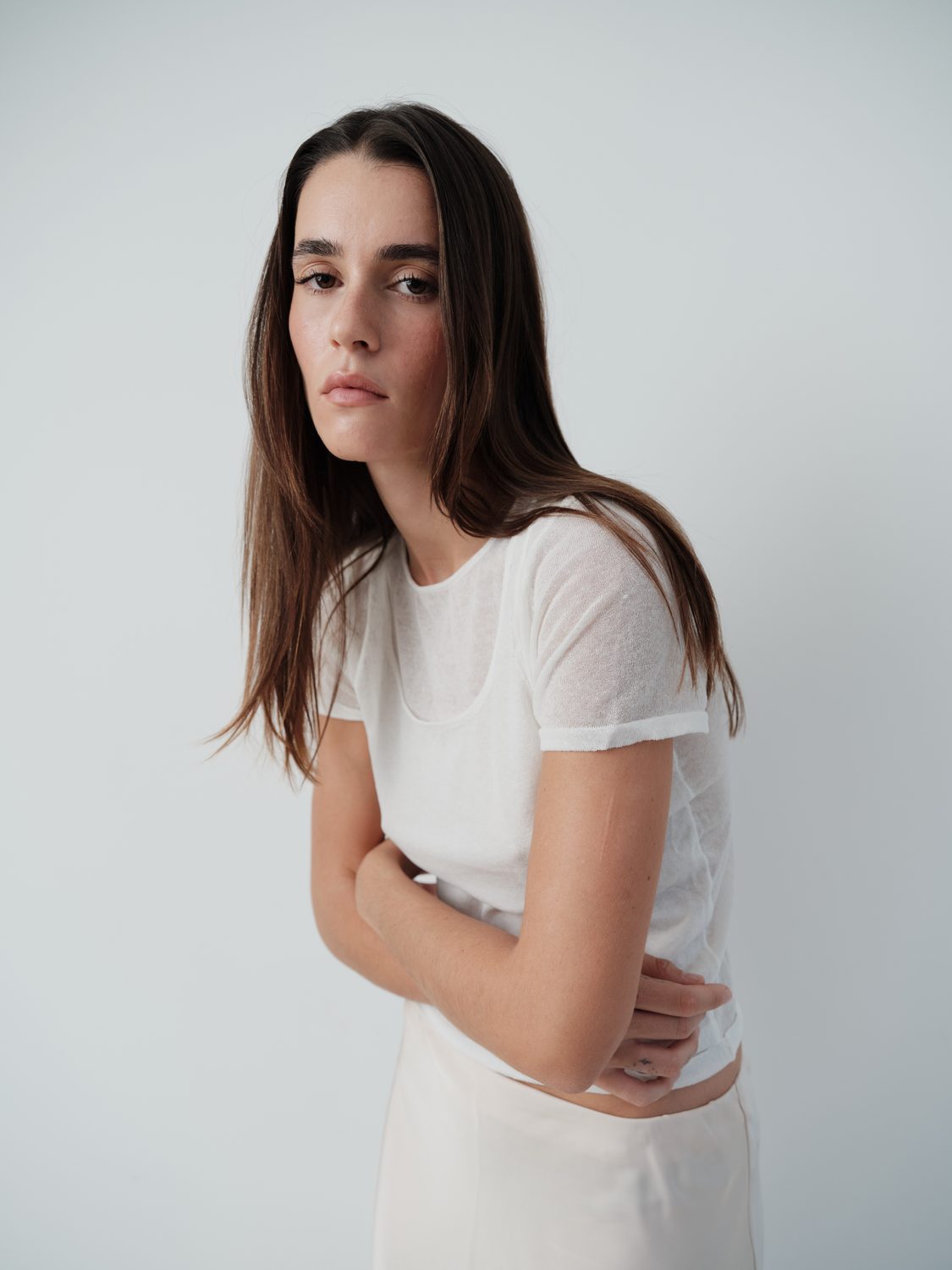
Profile
Select a look, then apply. Best on a flattened image or stamp-visible layer.
Select profile
SCAR AURI
SCAR CHROMA
SCAR CHROMA V2
SCAR CRASSUS
SCAR GOLD WARM
SCAR LACTEUS
SCAR WARM
Apply Profile
Profiles apply at 100% strength , so a look can feel strong.
In Camera Raw, pull the profile amount back to soften it.
Workflow
Work top to bottom: retouch, light, then depth and colour. In the real panel each row runs a Photoshop action.
01 Frequency Separation Retouch
02 Teeth/Eye Whiten Retouch
03 Dodge Light
04 Burn Light
05 BW Help Layer Helper
06 3D POP Depth
+
Grains
None
+
Highlights
None
+
Fade
None
+
Selective Color
None
+
Frame
None
Ready
Reset